Turning inclusion into growth · Board of Directors
Your LinkedIn toolkit.
Everything you need to share the campaign on LinkedIn. Choose a video, copy the text, and post.
Pick a spot.
Preview, then download. Upload the video file when you create your LinkedIn post.
15-second spots
Belonging Downloadthe Belonging 15-second spot Representation Downloadthe Representation 15-second spot Inclusion Downloadthe Inclusion 15-second spot Diversity Downloadthe Diversity 15-second spot Equity Downloadthe Equity 15-second spot IMAX Downloadthe IMAX 15-second spot
30-second spots
Belonging Downloadthe Belonging 30-second spot Representation Downloadthe Representation 30-second spot Inclusion Downloadthe Inclusion 30-second spot Diversity Downloadthe Diversity 30-second spot Equity Downloadthe Equity 30-second spot
Copy for your post.
Edit it if you like, then copy it and paste it into your LinkedIn post along with the video.
Link https://wearebridge.com/inclusionintogrowth?utm_source=linkedin&utm_medium=social&utm_campaign=inclusion-into-growth
Share and post to LinkedIn.
- Click the button below to open LinkedIn.
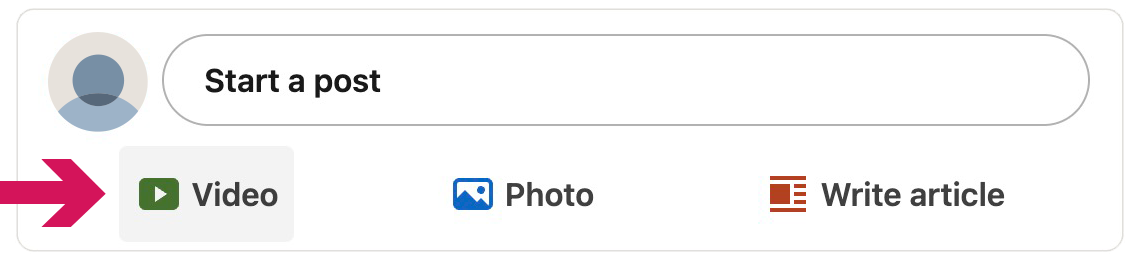
- Under “Start a post”, click “Video”.
- Attach your downloaded video from step 1.
- Paste the copy text from step 2.
- Post.